
AirType
Turn any flat surface into a keyboard, using only an iPhone camera.
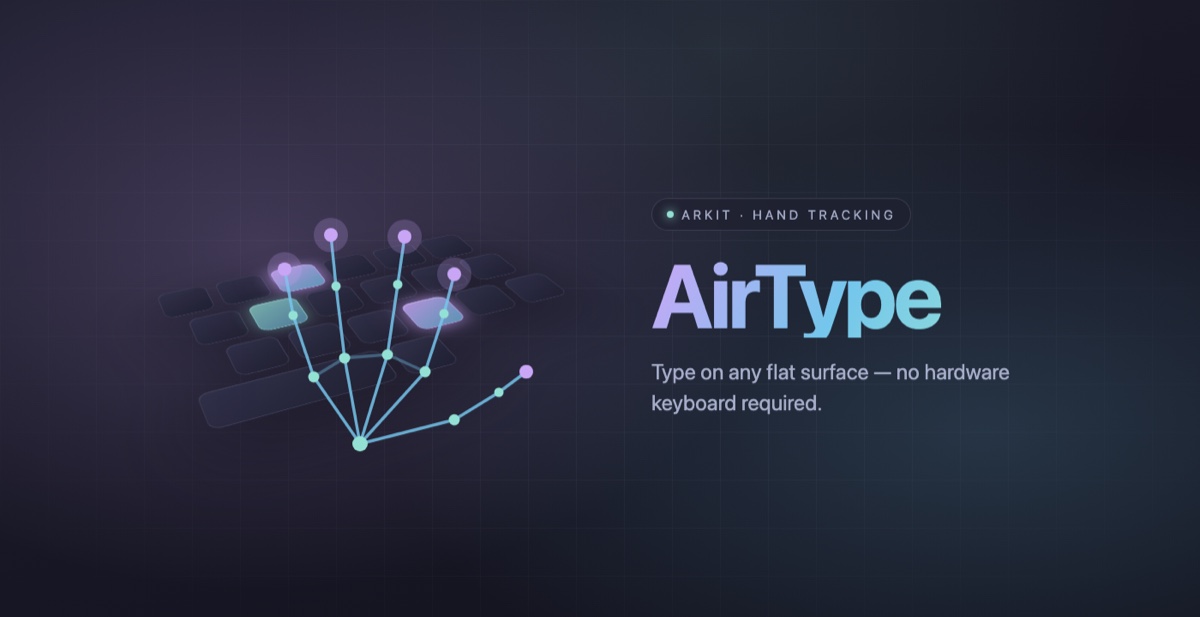
Overview
AirType is an experimental iOS app that tries to remove the keyboard entirely. The rear camera runs ARKit world tracking to lock onto a horizontal surface — a desk, a table, an armrest — and Vision's hand-pose model tracks fingertips in 3D against that plane. A brief calibration, resting both index fingers where F and J would be, anchors an invisible QWERTY layout to the real world. From there fingertip contacts are classified as taps and resolved to keys.
Because iOS keyboards live in a separate process, the project is split in two: a main app that does all the camera and tracking work, and a keyboard extension that receives only finished key events. The two talk through a shared App Group ring buffer and Darwin notifications, with a silent background audio session keeping the tracking process alive while you type inside another app.
The same tracking pipeline drives two other input modes: an invisible trackpad, where one finger moves the cursor and two fingers scroll, and a mid-air gesture layer that recognises swipes, waves, a fist and an OK sign. A companion macOS app reuses the hand tracker against a webcam.
What it does
Surface lock
Latches onto the first horizontal plane ARKit reports and tracks its refinements, giving the keyboard a stable real-world surface to sit on.
F/J calibration
Waits for both index fingertips to rest within 8mm of the plane and hold still for a second, then derives the keyboard's centre, orientation and key pitch from the measured F-to-J span.
3D fingertip tracking
Runs Vision's hand-pose request on each camera frame for up to two hands, unprojecting every fingertip onto the locked plane to get world-space coordinates.
Tap classification
Keeps a rolling ten-sample window per fingertip and fires a tap when the tip is close to the plane and moving downward fast enough — tightening to 2mm on LiDAR devices, with a 300ms debounce.
Key mapping with finger priors
Scores every key by distance in key-pitch units, then adds a penalty based on which home column that finger normally covers, so touch-typing habits break ties.
Keyboard extension bridge
The app writes key events into a shared App Group buffer and posts a Darwin notification; the extension wakes, drains the buffer and inserts text into whatever app is focused.
Invisible trackpad mode
One index finger on the surface becomes cursor movement and taps; two fingers become scrolling and right-click, with adjustable speeds.
Mid-air gestures
Reads wrist velocity for swipes and waves, and finger-curl geometry for fist and OK poses, each independently debounced.
Under the hood
- Swift
- SwiftUI, wrapping ARView and the camera preview layer
- ARKit world tracking + RealityKit
- Vision — VNDetectHumanHandPoseRequest
- simd — ray/plane unprojection
- App Group ring buffer + Darwin notifications
- XcodeGen — app, extension and macOS targets
- iPhone on iOS 17+, plus a companion macOS 13+ app
Status
A work in progress, and the least finished thing here. Typing, the keyboard extension, trackpad mode and gestures are all implemented, but there is no release, no build to download and no accuracy testing to point at. Cloning it means bringing your own signing and App Group setup.